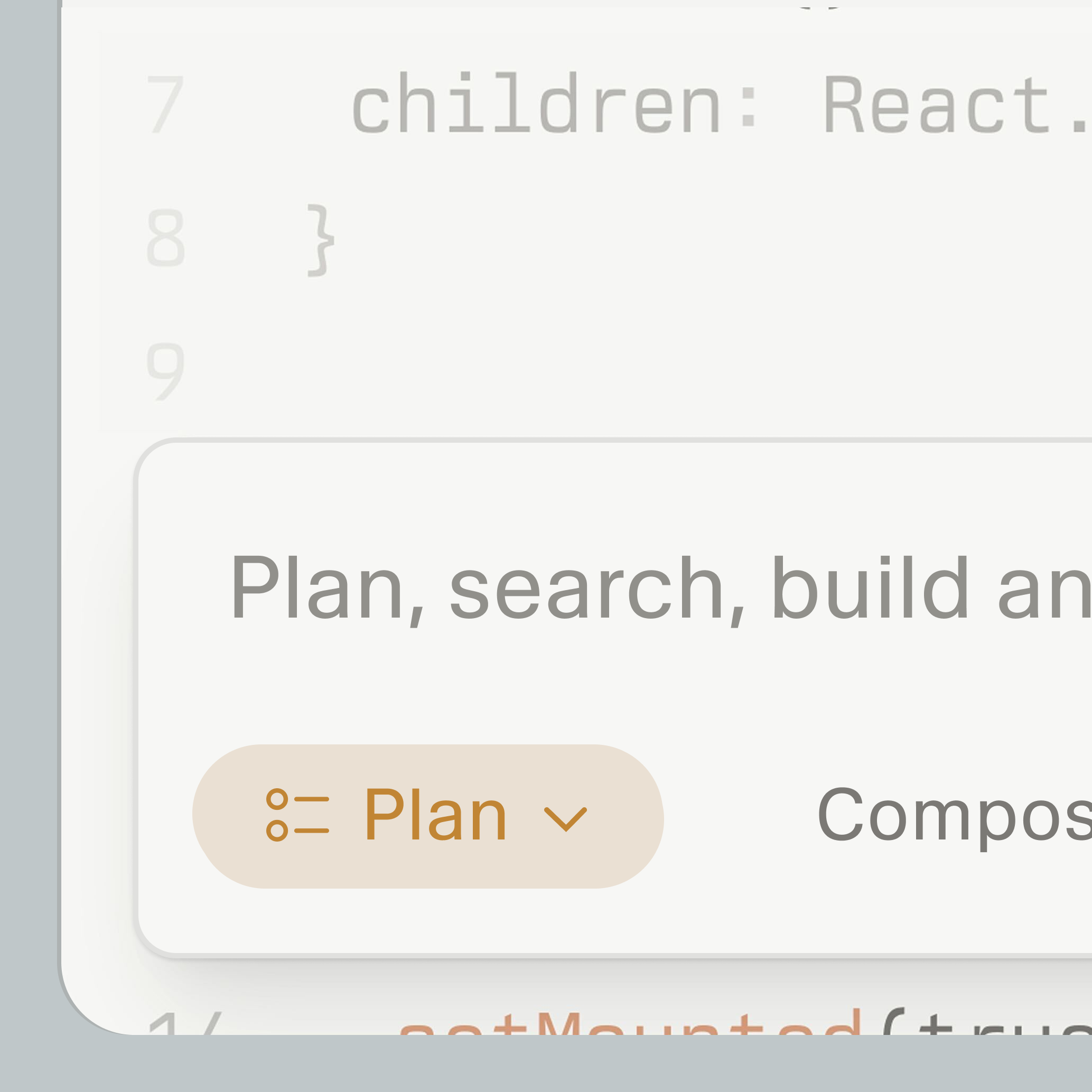
If your goal is idea → working prototype with the least friction, I'd rank them like this:
- Cursor (best overall for most people)
- Claude Code (best if you like working in the terminal and want a powerful coding agent)
- Grok 4.5 + Artifacts (interesting, but I'd treat it as a secondary option rather than my primary development environment)
Here's how they compare.
| Tool | Best for | Weakness |
|---|
| Cursor | Fast iteration inside an IDE, multi-file edits, debugging | Can occasionally over-edit unless you guide it |
| Claude Code | Agentic development, refactoring, running commands, large codebases | More terminal-centric; a bit more setup if you aren't already comfortable there |
| Grok 4.5 Artifacts | Rapid UI mockups and standalone demos | Less mature as a full software development workflow |
Cursor
If you're "vibe coding," Cursor is probably the smoothest experience.
Pros:
- Edit multiple files at once.
- Great autocomplete plus chat.
- Easy to iterate: "Build X," then "Fix Y."
- Good at React, Next.js, Python, FastAPI, and similar stacks.
- Works well with Git.
It's especially effective for projects under roughly 100k lines of code, where you're rapidly changing features.
Claude Code
Claude Code shines when you want an AI to behave more like an engineer than an autocomplete tool.
It's particularly strong at:
- understanding large codebases,
- making coordinated changes across many files,
- explaining architecture,
- running tests and fixing failures,
- executing longer development tasks with less micromanagement.
If you're comfortable spending most of your time in a terminal, it's excellent.
Grok 4.5 + Artifacts
Artifacts are fun because you can quickly generate:
- small apps,
- dashboards,
- interactive demos,
- UI concepts.
For a weekend project, they're enjoyable.
Where I'd be cautious is when the project starts needing:
- package management,
- databases,
- deployment,
- testing,
- larger code organization.
At that point, a dedicated editor tends to provide a smoother workflow.
If I were starting today
For an MVP, I'd use:
- Cursor as my editor.
- A modern web stack (for example, React/Next.js or another framework you're comfortable with).
- Git from the start.
- An AI model that's strong at coding for planning, architecture, and reviewing code, while Cursor handles day-to-day implementation.
That gives you a fast feedback loop without much setup.
One workflow that stays fast
- Describe the feature in one prompt.
- Let the AI scaffold it.
- Run it immediately.
- Fix the first error.
- Repeat in small increments.
Short cycles of "build → run → fix" tend to outperform trying to generate an entire application in one go.
My recommendation: if you already have Cursor installed, I wouldn't switch. It's still one of the fastest environments for turning ideas into working prototypes. I'd only choose Claude Code as my primary tool if you specifically enjoy terminal-based, agent-driven development or you're working in a larger existing repository. Grok 4.5 with Artifacts is worth experimenting with, but I wouldn't rely on it as my main development environment for building and maintaining an AI tool.