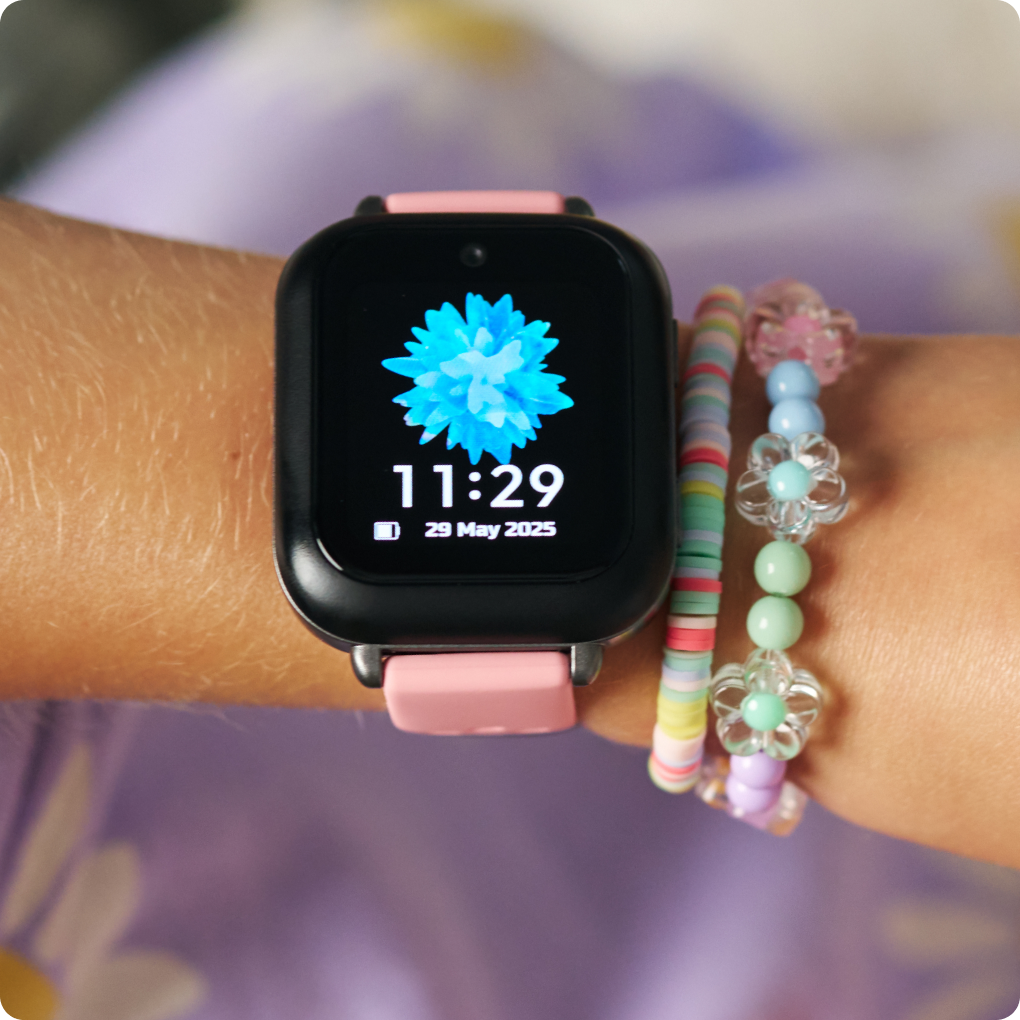
If your goal is to know when your child gets from school to activities (or home) without a stream of "Where are you?" texts, there are several approaches depending on your child's age, phone, and your family's privacy preferences.
Here are the most common options:
| Option | Best for | What it does |
|---|
| Built-in phone location sharing | Families with iPhones or Android phones | Share live location whenever you choose. |
| Family safety apps | Multiple caregivers | Real-time location, arrival/departure alerts, driving reports, SOS features. |
| Smartwatch with cellular | Younger children | GPS tracking, calling, messaging, often without needing a phone. |
| GPS tracker | Children without phones | Small device kept in a backpack with live tracking. |
1. iPhone: Find My
If everyone uses iPhones, Apple Find My can:
- Show your child's live location.
- Notify you when they arrive at or leave places like school or soccer practice.
- Let your child choose to share with family members.
2. Android: Google Family Link
For Android devices, Google Family Link offers:
- Live location (when enabled).
- Battery status.
- Device management and parental controls.
3. Cross-platform family apps
If your family has both iPhones and Android phones, these work well:
-
Life360
- Live location
- Place alerts ("Arrived at dance class")
- ETA sharing
- Emergency features
- Works across iOS and Android
-
GeoZilla
- Arrival/departure notifications
- Family location sharing
- Cross-platform support
4. Cellular smartwatch
For younger children, a cellular smartwatch can be useful if they don't always carry a phone.
Examples include:
- Apple Watch (Family Setup)
- Verizon Gizmo Watch
- Garmin Bounce
These typically provide:
- GPS location
- Calling and messaging
- School mode
- SOS button
5. GPS tracker in a backpack
If your child doesn't have a phone or watch, a dedicated GPS tracker can ride in their backpack.
Examples include:
These often require a monthly subscription for cellular service.
If your child rides with different people
Most family location apps and smartwatches don't care who's driving. You'll receive notifications based on the child's location rather than the vehicle, such as:
- Leaving school
- Arriving at piano lessons
- Leaving practice
- Arriving home
This works well when grandparents, carpools, babysitters, or different parents handle transportation.
Privacy considerations
It's a good idea to discuss how location sharing will be used and when it's appropriate. Many families find it works best when it's limited to safety and coordination rather than continuous monitoring, and older children may appreciate being involved in setting expectations.
If you tell me:
- your child's age,
- whether they have an iPhone, Android phone, or no phone,
- and whether your family uses iPhones, Androids, or a mix,
I can recommend the setup that fits your situation best.